


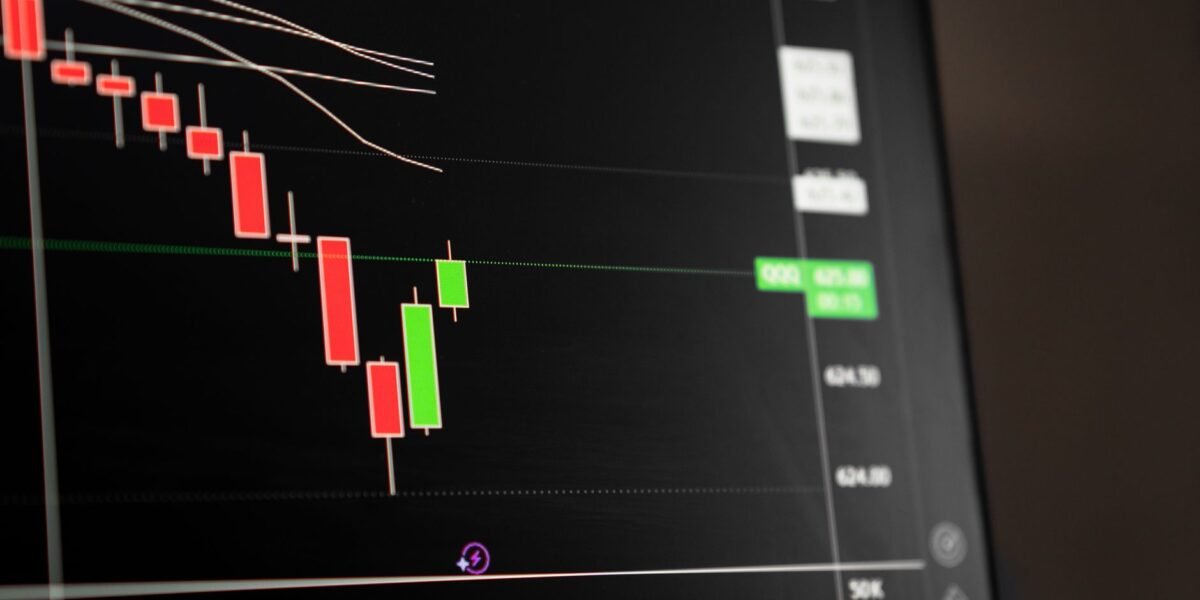
TL;DR: Market orders execute instantly at the best available price, Limit orders ensure a specific price or better but may not fill, and Stop Loss orders trigger a market or limit order to prevent large losses, protecting your capital.
Key Stats at a Glance:
- Nifty 50 Index: Tracks 50 of the largest Indian companies listed on NSE.
- NSE Trading Volume: Averages over 20 crore shares daily in 2024.
- Average Indian Trader’s Portfolio Size: Estimated between ₹50,000 – ₹2,00,000.
- SEBI Mandate: Requires specific order types for certain derivative trades.
What are Order Types in Stock Trading?
Order types are instructions given to your broker to buy or sell a security. They dictate the conditions under which your trade should be executed, allowing you to control price, timing, and risk in the volatile Indian stock markets.
Market Orders: Speed Over Price Precision
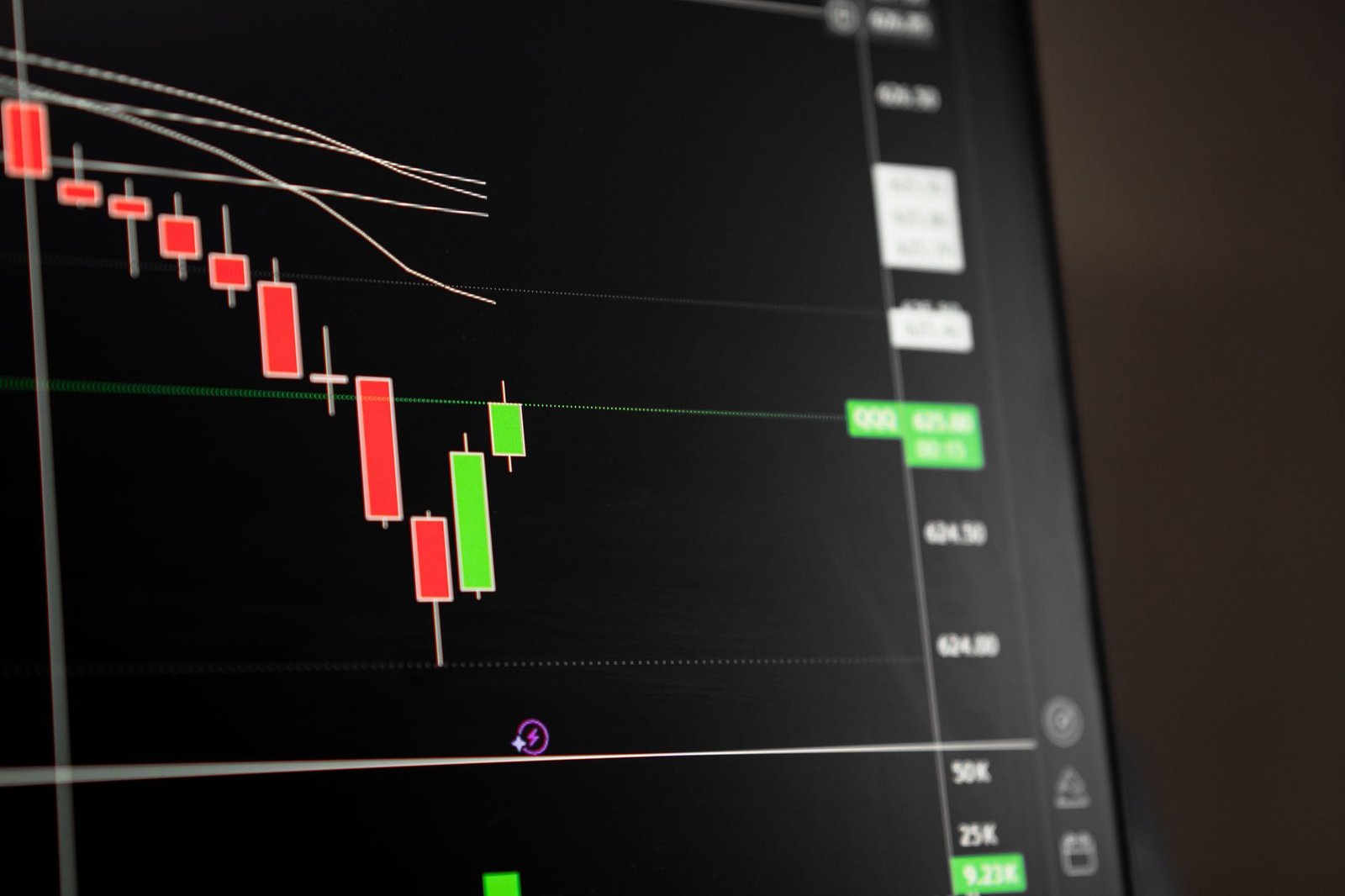
A market order is an instruction to buy or sell a security immediately at the best available current price. While it guarantees execution, it does not guarantee a specific price, which can be a disadvantage during high volatility.
When to Use Market Orders
Market orders are best suited for highly liquid stocks where the bid-ask spread is narrow and immediate entry or exit is paramount. For instance, if you need to exit a position quickly to prevent further losses or capture a rapidly moving opportunity, a market order is your go-to choice.
Risks of Market Orders
The primary risk is ‘slippage’ – the difference between the expected price and the actual execution price. This is more pronounced in less liquid stocks or during periods of extreme market news when prices can jump significantly between the time you place the order and when it’s filled.
Limit Orders: Control Over Price
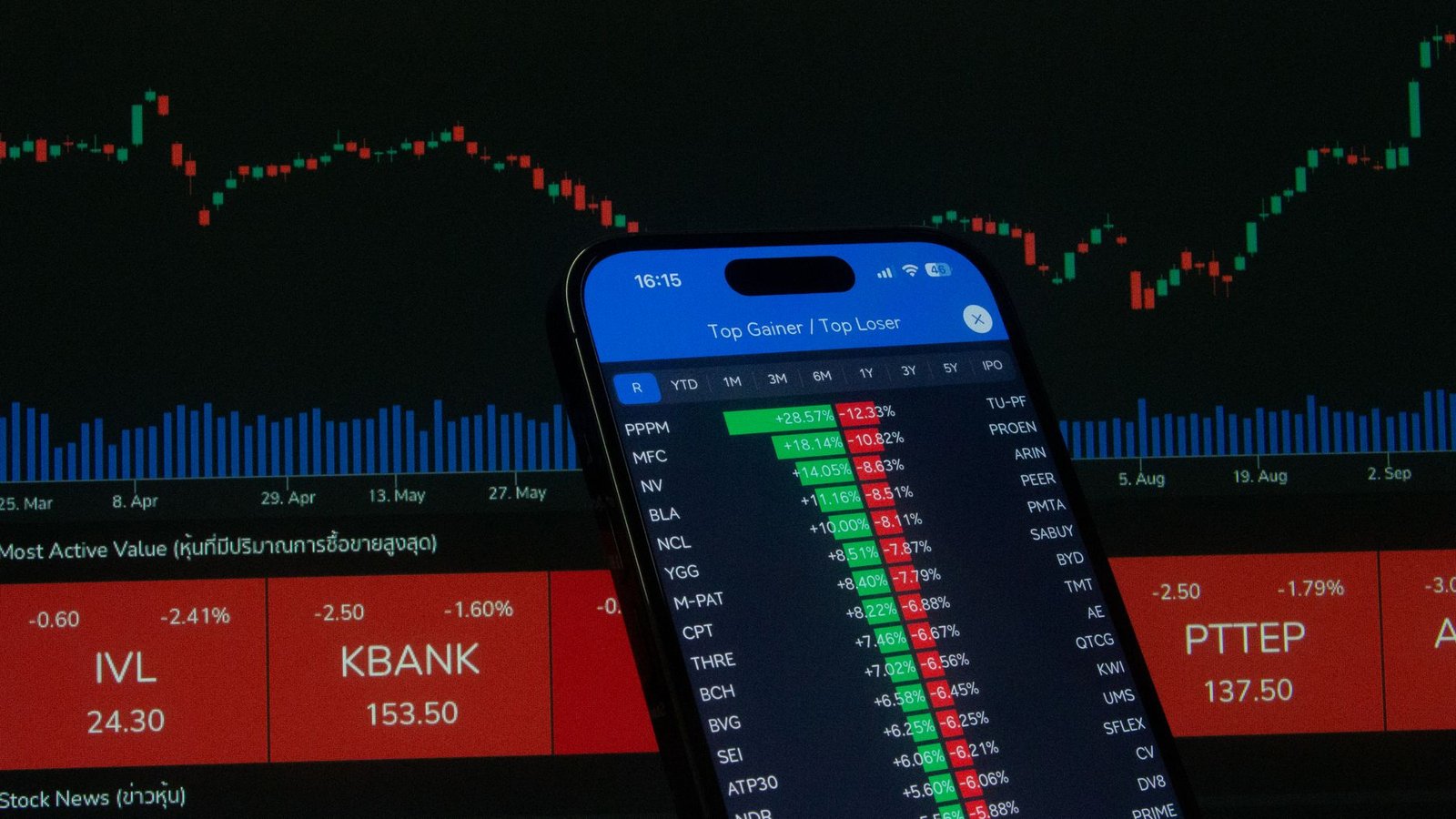
A limit order allows you to specify the exact price at which you want to buy or sell a security. For a buy limit order, the price must be at or below your specified limit price; for a sell limit order, it must be at or above your limit price.
Benefits of Limit Orders
Limit orders give you price control, ensuring you don’t overpay when buying or sell for less than you intended. They are ideal for traders who have a precise entry or exit price in mind and are willing to wait for the market to reach it.
When Limit Orders Might Not Fill
The trade-off for price control is that your order may never be executed if the market price does not reach your specified limit. This can lead to missed opportunities if a stock moves rapidly in your favour without hitting your limit price.
Stop Loss Orders: A Safety Net for Your Capital
A stop loss order is an instruction to buy or sell a security once a specified ‘stop price’ is reached. Its primary purpose is to limit an investor’s potential loss on a position. When the stop price is triggered, it typically converts into a market order (stop-market) or a limit order (stop-limit).
How Stop-Loss Orders Work
For a long position (you own the stock), you set a stop-loss sell order below the current market price. If the stock price falls to your stop price, the order is triggered, and your broker will attempt to sell it at the best available price. For short positions, you set a stop-loss buy order above the current market price.
Stop-Market vs. Stop-Limit Orders
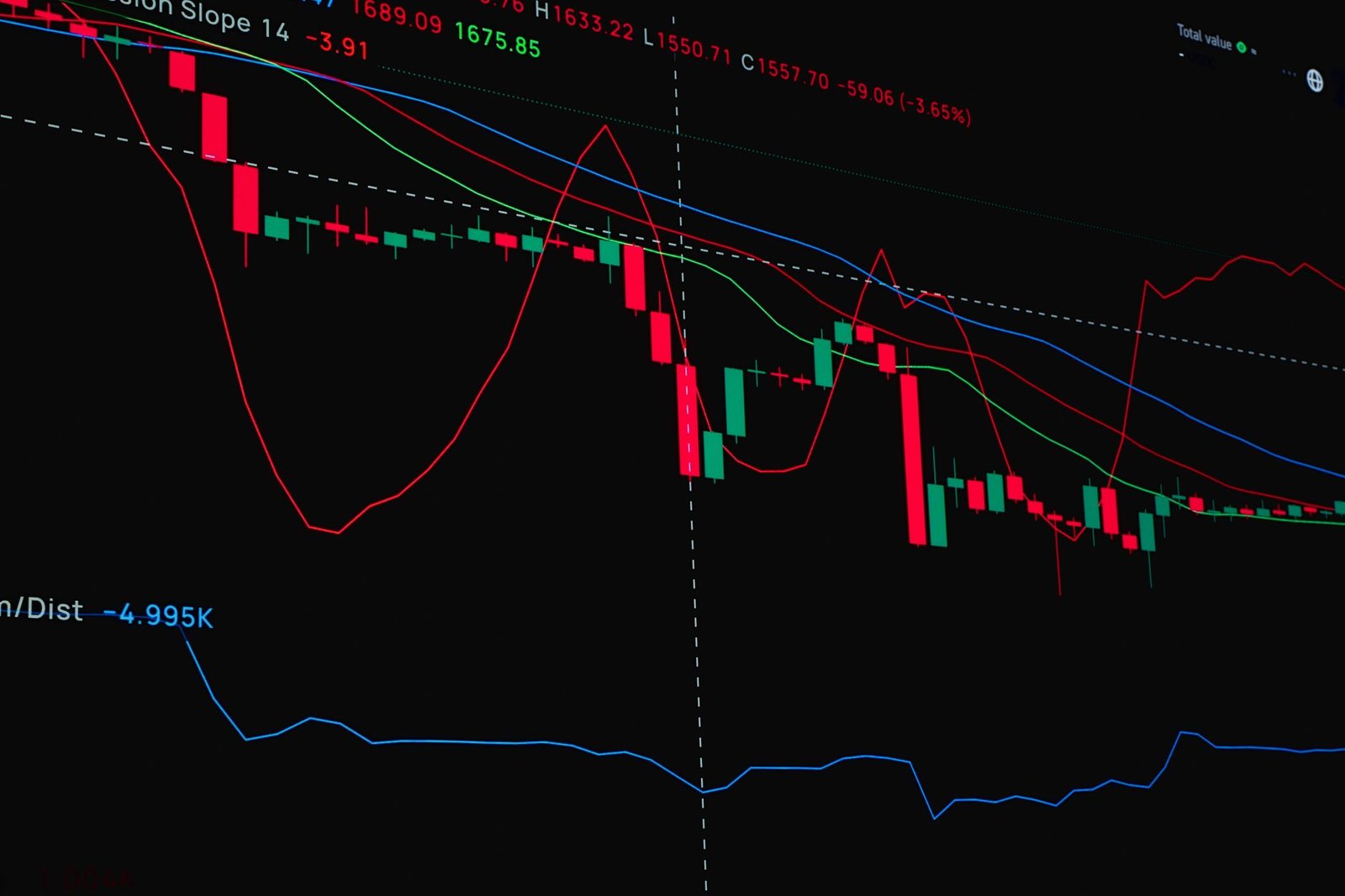
A stop-market order becomes a market order once the stop price is hit, guaranteeing execution but not price. A stop-limit order becomes a limit order once the stop price is hit, offering price control but risking non-execution if the price moves too quickly past the limit.
Importance in Risk Management
Stop-loss orders are fundamental to risk management. They automate the exit strategy, removing emotional decision-making during stressful market downturns and helping to preserve capital, a crucial aspect for long-term success on exchanges like the NSE and BSE.
Stop-Limit Orders: Combining Control and Protection
A stop-limit order combines the features of a stop order and a limit order. You set both a stop price and a limit price. Once the stop price is reached, the order becomes a limit order, executable only at your specified limit price or better.
Advantages and Disadvantages
This type of order offers enhanced protection against slippage compared to a stop-market order, as you set an upper bound on the price. However, if the market moves rapidly past your limit price after the stop is triggered, your order may not be filled, potentially leaving you with a larger loss than intended if the price continues to move adversely.
Trailing Stop Orders: Dynamic Protection
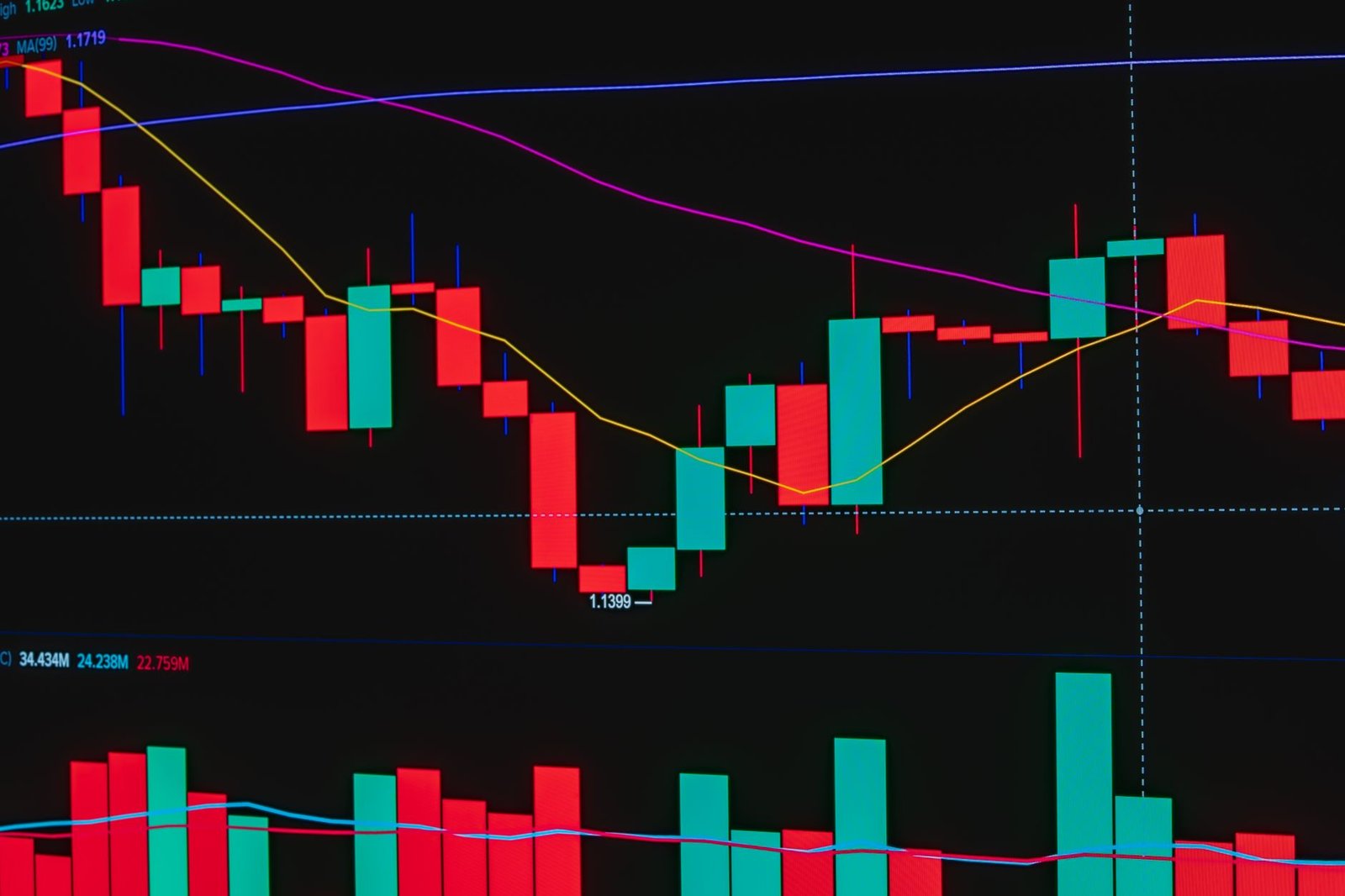
A trailing stop order is a type of stop loss that automatically adjusts its trigger price as the market price moves in your favour. It’s set as a percentage or a fixed amount below the peak price achieved since the order was placed.
How Trailing Stops Offer Flexibility
This dynamic feature allows you to lock in profits as the price rises while still providing downside protection. If the price moves up, the trailing stop moves with it; if the price reverses by the specified trailing amount, the stop is triggered.
Setting Effective Trailing Stops
Choosing the right trailing amount (percentage or fixed value) is critical. Too tight, and you might get stopped out by minor fluctuations; too wide, and you risk giving back significant unrealised gains before the stop is triggered.
How to Place Trades Using Different Order Types
- Choose Your Broker: Select a SEBI-registered broker that offers a trading platform with advanced order type functionalities.
- Select the Security: Identify the stock, futures, or options you wish to trade on NSE or BSE.
- Determine Your Strategy: Decide whether you prioritise immediate execution (Market), price control (Limit), or risk limitation (Stop Loss/Stop Limit).
- Enter Order Details: Specify the order type (Market, Limit, Stop-Market, Stop-Limit), quantity, and price (for Limit and Stop-Limit orders).
- Set Trigger Prices (for Stop orders): For Stop-Market or Stop-Limit, input the stop price. For Stop-Limit, also input the limit price.
- Define Trailing Stops (if applicable): For Trailing Stops, set the trailing amount (percentage or value) and the stop price.
- Review and Confirm: Double-check all order parameters – quantity, price, order type, and especially stop/limit prices – before submitting to avoid errors. Consider using a tool like our TradingView indicator for visualising these levels.
- Monitor Your Trade: Keep an eye on your open orders and positions, adjusting as necessary based on market conditions and your investment goals.

Frequently Asked Questions
What is the difference between a market order and a limit order?
A market order guarantees execution at the best available price, prioritizing speed. A limit order guarantees your specified price or better but may not execute if the market doesn’t reach that price.
When should I use a stop-loss order?
Use a stop-loss order to protect against significant losses on a trade. It’s essential for risk management, especially in volatile markets, by automatically exiting a position if it moves against you beyond a certain point.
Can a stop-loss order result in a loss greater than the stop price?
Yes, a stop-market order can execute at a price significantly different from the stop price (slippage) during rapid market movements, potentially leading to a larger loss than anticipated.
Is it possible for a limit order to never get filled?
Yes, if the market price of the security never reaches the specific limit price you set, your limit order will remain unfilled until it expires or you cancel it.
What is the advantage of a stop-limit order over a stop-market order?
A stop-limit order provides price control after the stop is triggered, unlike a stop-market order which executes at the best available price, potentially at a much worse rate than expected.
How do trailing stop orders help in booking profits?
Trailing stop orders automatically move the stop price higher as the security’s price increases, helping to lock in profits while still offering downside protection if the price reverses.
Key Takeaways:
- Market orders offer speed but lack price certainty; use for liquid assets when execution is key.
- Limit orders provide price control but risk non-execution; ideal for precise entry/exit points.
- Stop-loss orders are vital for risk management, limiting potential losses.
- Stop-limit orders blend protection with price control but can miss execution.
- Trailing stops dynamically adjust to lock in profits while maintaining downside protection.
- Understanding and applying these order types is fundamental for disciplined trading on Indian exchanges.
Disclaimer: Trading in securities markets is subject to market risks. Read all related documents carefully before investing. Investments in securities markets are subject to market risks, read all the related documents carefully before investing. Finovatives.com and its associates are not liable for any loss or damage arising from the use of this information.



 Finovatives